Solutions · Defend
Know which placements are slipping.
See churn while you can still reverse it.
 Group by
Filter
Run rate30d
Group by
Filter
Run rate30d

 Danielle Ruiz
The problem
Placements churn in the dark.
Nobody watches the bottle.
Churn happens at one product in one account. A rep carries thousands, so a visit becomes a shelf glance.
Your tools miss it.
Route-accounting moves orders. CRMs track accounts. BI reports the past. None flags a slipping placement.
The spend hides it.
New-placement budget backfills placements you already lost, so the growth number looks fine while the base leaks.
Living placements
Every stage signals the next action.
Masava turns each placement into a living object — New, Active, At-Risk, Lost. Each stage is a signal you can filter the book by, and each signal carries its own action.
- See churn while it's reversible: At-Risk fires before Lost
- Filter the book by any stage: the status is the worklist
- Turn a signal into assigned work: one filter, a task per placement
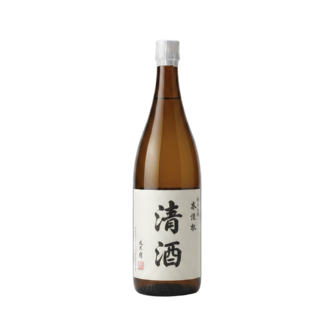
 $72.50
 Top Level
 By the Glass
Kaisen Omakase – Fort Lee

Yukimine Shuzō – Junmai Ginjo, 6/720 mL (51408)
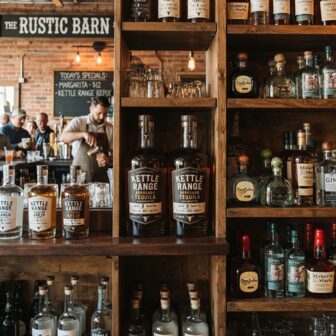 $23.40Back Bar
Osteria Vialetto – Red Bank
Corvina Ridge – Valpolicella, Anfora 6/750 mL (2022)
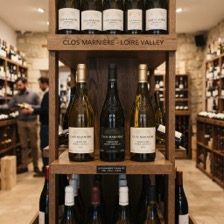 $13.75Eye Level
 3Display
Cedar Grove Spirits & Wine – Oakfield
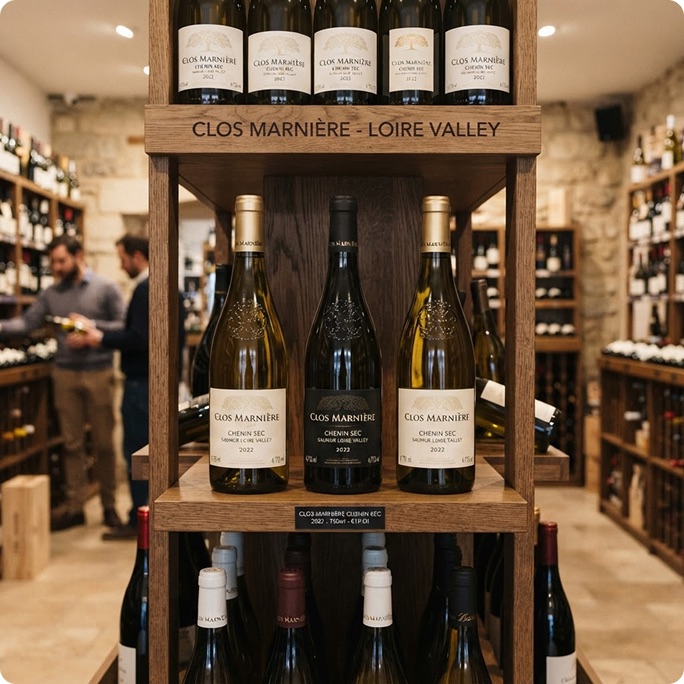
Clos Marnière – Chenin Sec, 6/750 mL (2022)
 $8.90Cold Box
Old Mill Wines – Millbrook
Harbor Street Lager – Helles, 24/355 mL
Opportunities Sampled Tasted New Active Out of cadence At risk Lost
Placement history
Open it, see the shelf.
The visit photo, facings, shelf position and price. Every order, survey and tasting stacks below.
- Shelf photo, facings, position and price, captured on the visit
- One activity log: orders, surveys, tastings, follow-ups
- Comments outlive the rep who heard them
Activity
Next actionReorder: Jan 20
Order loggedReorder18 cases$2,700
Order loggedReorder18 cases$2,700
Survey completedPhoto, facings and shelf price updated
Order loggedReorder12 cases$1,800
Order loggedNew placement12 cases$1,800
Follow-up scheduledJul 8, after the summer list reprint
Tasting loggedInterestedBuyer liked it for the by-the-bottle set
Opportunity identified3 insights
Point-of-sale tags
Tag where the bottle lives.
By the glass and back bar are different jobs. Masava tags each placement with its point of sale.
- Tag the point of sale on the visit
- Make the ask specific, not just sell more
- Filter the book by where the product sits
 Kettle Range ReposadoThe Copper TapActiveSet POSBack Bar
 Clos Marnière CheninVine & VesselNewSet POSFloor StackCopper Kettle RyeLarkspur & RyeAt riskSet POSCold Box
Rich columns
The product stays. The numbers scroll.
Price, revenue, cases sold, lifetime value, last delivery, last activity, rep. Scroll sideways through all of it while the product name holds its place.
- Revenue and cases over 30 days, lifetime value beside them
- Status and POS tags on the same row as the numbers
- The product column holds its place however far the row runs
30 days
Columns
Anchor pods
One anchor per account.
The anchor is the top-selling active product placement at an account, based on volume. Its health reads as the account's health.
- Read whole-account health at a glance, from one signal
- Cover the book without watching every pod
- Triage by what matters: an At-Risk anchor needs attention now
Command panel
Cut the field four ways.
Pick a cut and the whole field answers underneath it. Stack two and it answers both — nothing is re-entered to get there.
- Cut by point of sale, rep, brand or anchor POD
- Every rep’s book split New, Active, At risk and Lost
- The panel reads the placements the field already works
Columns
Survey flywheel
Field checks hydrate placements.
Reps are already in the accounts. Masava routes each shelf check back onto the placement itself.
- Data accrues from work reps already do
- Placement health stays current between orders
- Supplier compliance comes off the same capture

Related